How to find balance with digital technology in our lives using Google’s digital wellbeing tools and tips.
Digital technology is an integral part of our lives now, and it’s not going away. But sometimes we can feel overwhelmed by technology and the need to use our phones and devices all the time. We feel a need for more balance so we can still focus on our face to face relationships, and the the things that matter most. That is why Google has created a digital wellbeing initiative at wellbeing.google to help each of us find the balance with technology that feels right for each of us personally. Google understands that families want to unplug more often, so they are encouraging us to evaluate how technology fits into our lives and find those areas that may need a little more balance.
*This post is sponsored by Google and I am part of the Forward Influence Network. I was asked to review this product and share my opinion with my readers. I am compensated for my time but I am not told what to write. All opinions are completely my own.

Technology Use is Different for Everyone
When is the last time you went an entire day without using your phone or technology? For myself, the answer would be, “Um, back in 2009 before I even had a smartphone.” Yeah, it’s been awhile. This is true not only because I love modern technology and that I have been able to learn to run my own blog and business almost completely from the internet alone, but also because I can order groceries, pay bills, buy tickets, track my heart rate, and see the face of a faraway friend with a tiny device in my hand–all while I’m still in my pajamas. The technology of our time is amazing!
The ways people use and value technology is different for everyone. Google’s Digital Wellbeing tools helps families and individuals evaluate the amount of digital distractions in their lives and personalize a plan for balance that works for them. Google’s Digital Wellbeing tools provide resources, such as the Family Conversation Guide, expert advice and video content, and a self-reflection tool that will help families balance technology with family time and minimize distractions.
Family Technology Discussion Using Google’s Wellbeing Tools
So this week we I took the opportunity to use these free digital wellbeing tools from Google sit down with my family and talk about how much we use our devices and where we feel we could use them less often. These tools made a family conversation SUPER EASY, and we a simple had a simple discussion on our patio one Sunday afternoon. This discussion probably lasted about an hour, and we actually found that our eyes were opened to quite a few times that devices had become too common in our household. You can find all the tools and info we used at digitalwellbeing.google Here’s what we did:
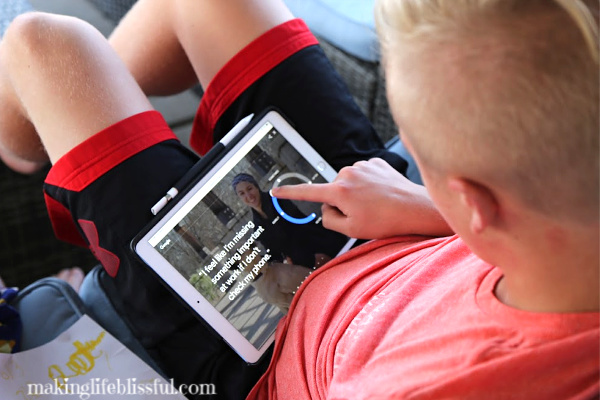
1. We started with the self-reflection tool. Each one of us, answered the questions privately. This gave us time to start thinking about our own personal technology use. With this self-reflection tool, it’s important to be honest with yourself as you answer. Remind your family members that there are no wrong answers.
2. Then we had an open discussion about times or places that we didn’t want to be distracted by our devices. We used the video content provided by Google to get us started. The expert advice gave us some things to think about and helped us feel more open about talking.
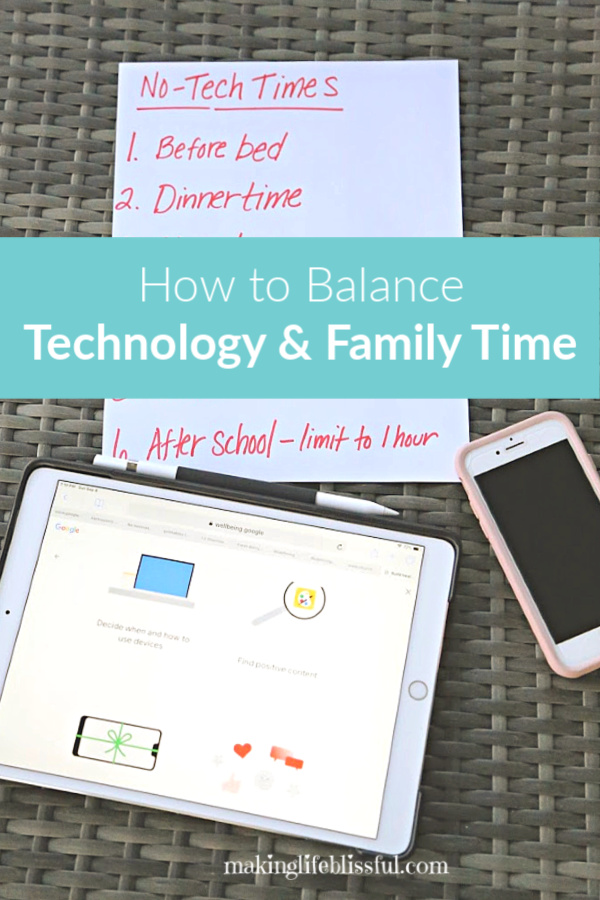
3. We made a family list of times we wanted to minimize digital distractions. Everyone had a chance to suggest a time that we were using our devices too much. Being able to talk about this, really made us aware of times that those devices had been sneaking in more and more. And in some ways, it was hard to hear because we realized our digital devices were becoming very commonplace. For instance, we’ve always said no phones or TV at the dinner table–BUT, lately we had become a little lazy about that kids and parents were using their phones during dinnertime. We realized we had become so used to having our phones in our hands, that we didn’t even remember to put them aside for dinner. So this discussion really helped us take note of those times during our day that we needed more balance and awareness. We are now posting this list in our home to remind us of when we want to have our devices put away or minimized.
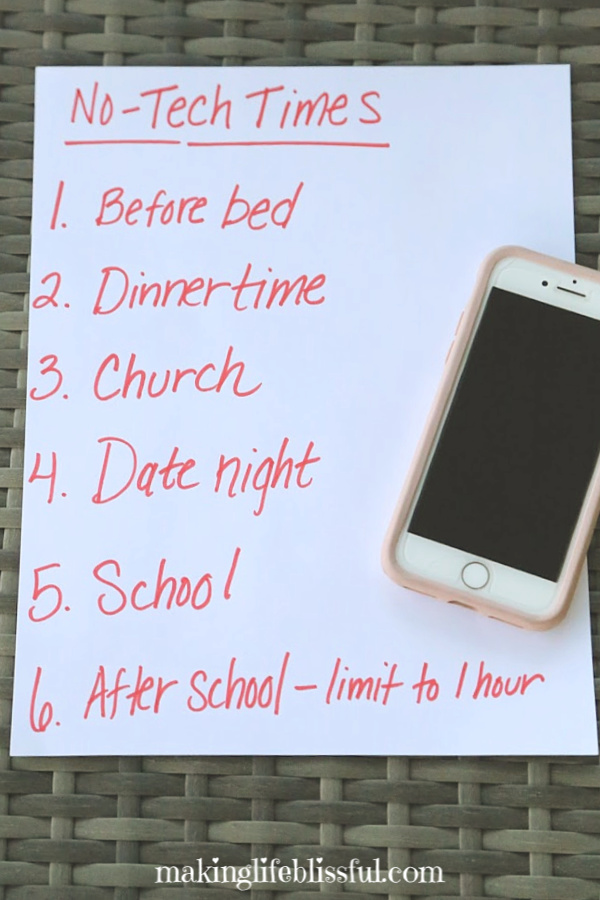
Here’s our family list. My husband and I regretfully realized we were using our phones too much during date night, so that was another surprise that came from this conversation.
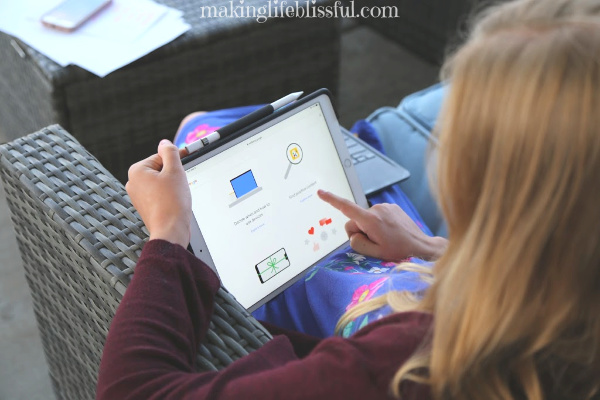
4. Finally, we used the Family Conversation Guide to help us brainstorm some ideas and solutions to balance our technology. Here’s some of Google’s Digital Wellbeing tools that we found helpful, that I think you may want to try with your family:
Google’s Digital Wellbeing Tools to Find Balance with Technology
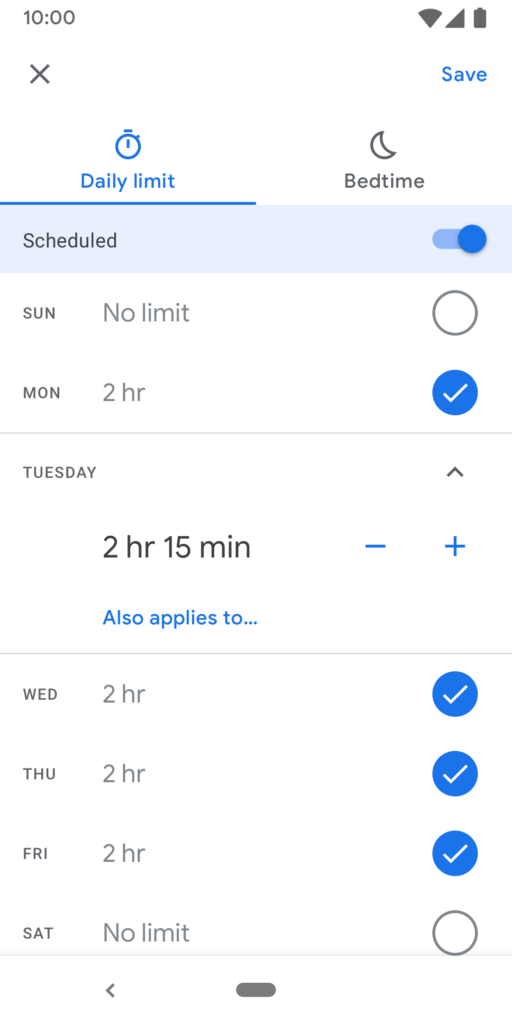
App Timers & Limits —
Enables parents to set limits on the amount of time they spend in certain apps. When you are close to the limit, friendly reminders will help you stay mindful of how you interact with your phone. When the timer runs out, the app is paused for the rest of the day.
This will help with that 1 hour of digital “playtime” we have set for our children after school.
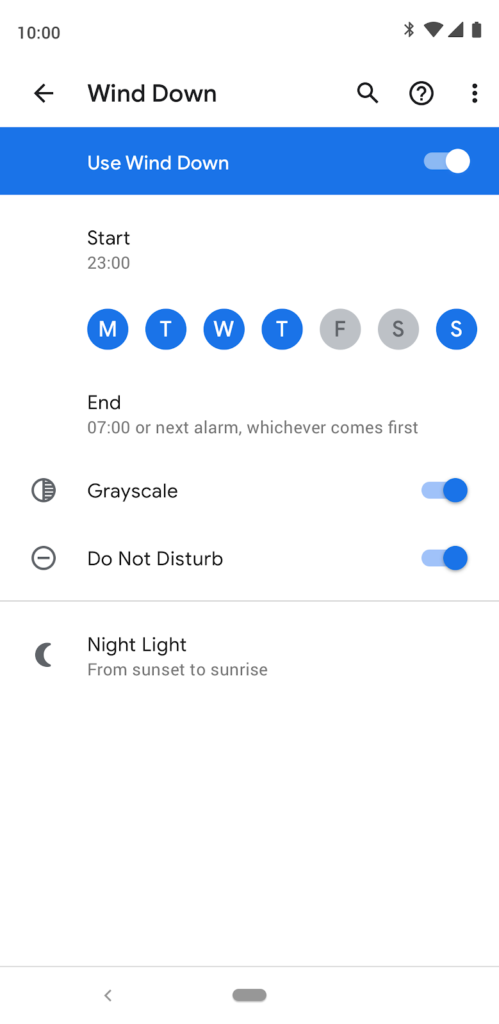
Wind Down —
Parents can now set their phone to automatically turn on Grayscale and Do Not Disturb at a certain time each evening, reinforcing an intention to be present during quality family moments. This also helps them unplug at night and fall asleep easier by reminding them to reduce phone usage before bed.
This is a great idea for us as we are going to try to stop using our phones right before bed. Instead we want to read, stretch, and talk with each other.
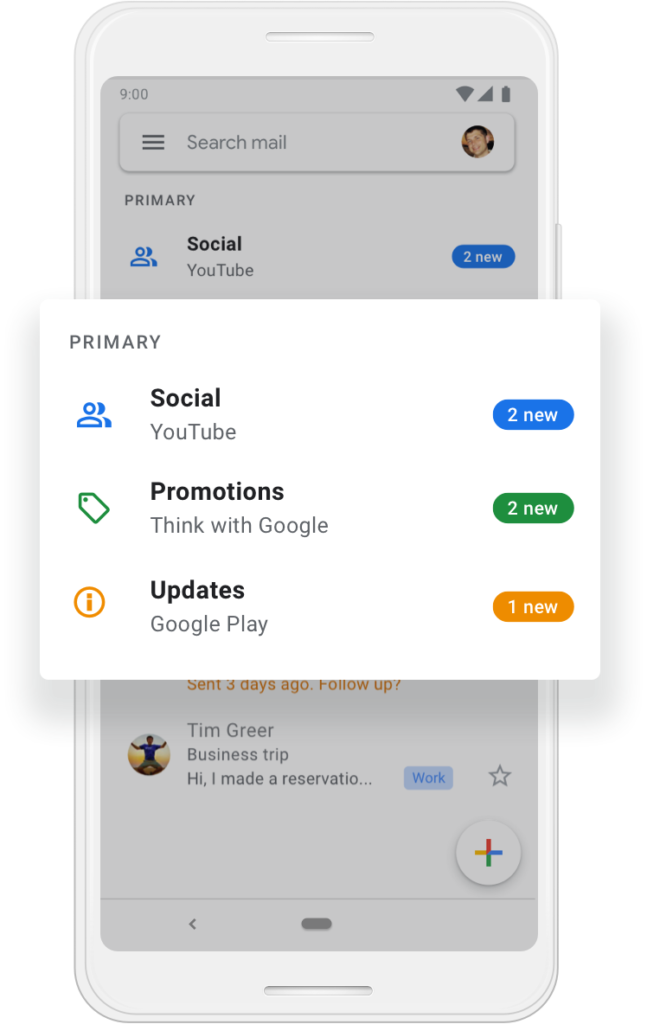
Organize Your Inbox —
Gmail has a variety of options to reduce email fatigue. When you choose the “priority inbox” setting, your emails are automatically split into three sections: important and unread, starred, and everything else. You can also, turn on high-priority notifications to limit the number of email alerts you receive and get notified only when it’s essential. There’s an option to schedule email too. Draft an email message as you normally would and schedule it to be sent at the perfect time.
I am going to do this for my business gmail account as I get tons of email every single day.
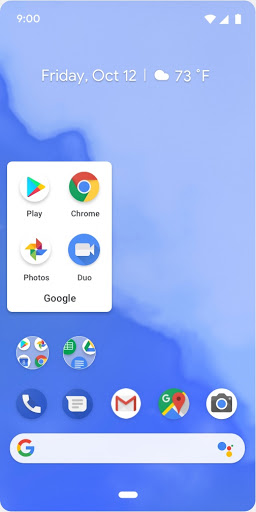
Simplify Your Home Screen —
Having screens full of apps can be a distraction in itself. Try cutting down the number of pages of apps, and put specific apps that frequently distract you into a folder on the second page. Also, removing distracting apps from the home screen can help.
We decided to remove a few apps from our devices that we too distracting right now. As we progress in our balance we may choose to add them back on later.
Find Balance for Yourself
This only scratches to surface of information available from Google. There are many more options and ideas for you and your family to try over at wellbeing.google and I encourage you to go check it out as it provides tons of tips and step by step instructions to get these ideas implemented right away. Also see the hashtag #DigitalWellbeing. Google has made this easy for us and it’s totally worth checking out and having a quick discussion with your family. I promise you’ll feel a lot better and more in control of the technology in your life.
You may also like: